Register at 88gt99 in a Few Quick Steps
Creating your 88gt99 account unlocks the full lobby — live casino tables, slots, crash games and cricket sportsbook — with deposits via bKash, Nagad or Rocket ready from the moment your account is confirmed.
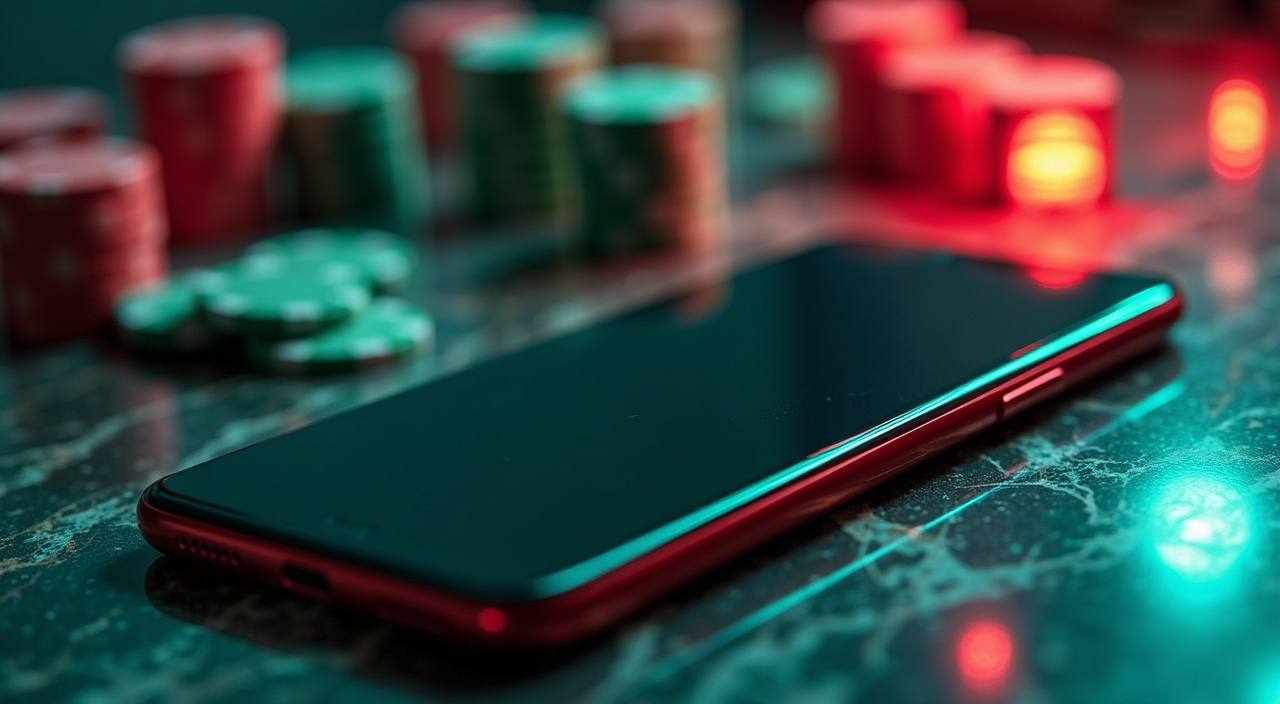
How We Protect Your 88gt99 Account
When you register, your data travels over an encrypted connection — the same SSL-based protocol banks use for online transactions. We verify identity through your mobile number and OTP rather than storing sensitive payment credentials on our side. Periodic account checks may request ID documents; these are handled through a secure upload portal, not over chat. Your personal data is held in line with our privacy policy, which you can read before completing registration.
SSL Encryption
Every registration and login request is encrypted end-to-end. Your details are not exposed in transit, from the form submission through to account confirmation.
OTP Identity Check
Mobile OTP verification means only the person holding your registered SIM can activate the account. It also serves as the first line of recovery if access is ever lost.
Secure Document Upload
If we need identity documents at any point, we send a secure upload link. We do not ask you to send ID images over live chat or email attachments.
Data Privacy
We do not sell or share your account data with third parties outside what our privacy policy specifies. You can request a copy of your data or account closure at any time.
What Happens When You Register
The registration form asks for your name, a valid mobile number and a password you choose. Once submitted, a one-time PIN arrives on your phone — enter it to confirm ownership of that number. After verification, your account is active and the lobby opens. Your wallet section shows bKash, Nagad and Rocket as deposit channels
straight away. If you hit any step that stalls, our support team is reachable via the live chat icon at the bottom of every page. Keep your registered mobile number accessible — it is the key to account recovery and any future identity checks we may carry out.
-
Mobile Verification A one-time PIN sent to your registered number confirms your identity. This step keeps your account secure and is required before the lobby opens.
-
Wallet Connection Link bKash, Nagad or Rocket directly in your account wallet. Each channel shows the exact number to send to, so deposits route correctly every time.
-
Account Security Your password and OTP together form a two-layer barrier. We do not store payment PINs — those stay in your mobile wallet app, separate from this account.
-
Support at Every Step Live chat is available from the registration page itself. If your OTP does not arrive or the form flags an error, reach out and we will walk you through it.
Account
The registration form asks for your name, a valid mobile number and a password you choose. Once submitted, a one-time PIN arrives on your phone — enter it to confirm ownership of that number. After verification, your account is active and the lobby opens. Your wallet section shows bKash, Nagad and Rocket as deposit channels straight away. If you hit any step that stalls, our support team is reachable via the live chat icon at the bottom of every page. Keep your registered mobile number accessible — it is the key to account recovery and any future identity checks we may carry out.
Explore the LobbyYour details are encrypted for secure account access.
Deposit Methods for Bangladesh Accounts
After your account is confirmed, head to the wallet section and choose your preferred channel. bKash, Nagad and Rocket are all listed there. Open the relevant app on your phone, send to the account number displayed, confirm with your PIN, then return to 88gt99 — your balance updates once the transfer is verified. Rocket works well for accounts tied to Dutch-Bangla Bank, while Nagad suits those who prefer a government-backed mobile wallet. bKash remains the channel most accounts in Dhaka and across Bangladesh use day to day. All three channels are available for both deposits and withdrawals, subject to verification of your registered details.
Getting Help With Your 88gt99 Account
Registration questions are common — a wrong number entered, an OTP that times out, or a payment that needs checking. We have three ways to reach us, and all of them connect you directly to an agent who can see account-level detail and act on it. You do not need to submit a ticket and wait — start with live chat for the fastest response.
Live Chat
The chat icon sits on every page including the registration form. Connect instantly and describe your issue — an agent can check your account status in real time.
Email Support
For issues that need a screenshot or a transaction reference, email is the right path. Include your registered mobile number so we can locate the account quickly.
Help Centre
Our help section covers OTP troubleshooting, wallet linking and account recovery steps. Check it first if you want a self-service answer before contacting an agent.
Common Questions About Creating an Account
If something during registration is not clear, this section covers the questions we hear most often. From OTP delays to wallet linking after sign-up, the answers below are based on real account flows — not generic platform copy.
Register
Service availability depends on eligible regions and local law. Users should check local rules before opening an account.
Access may be available only where local law permits.